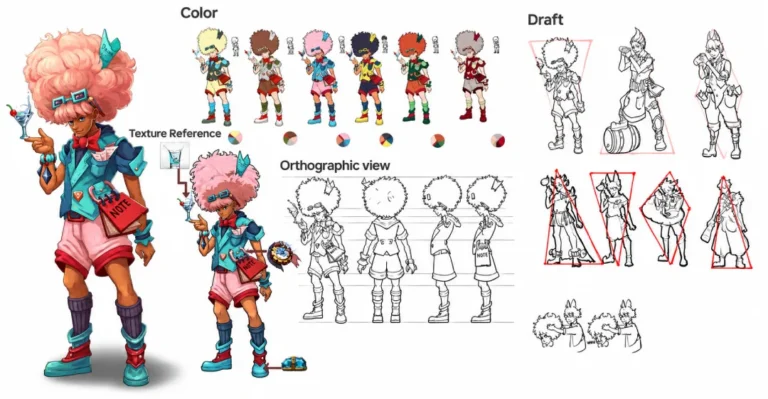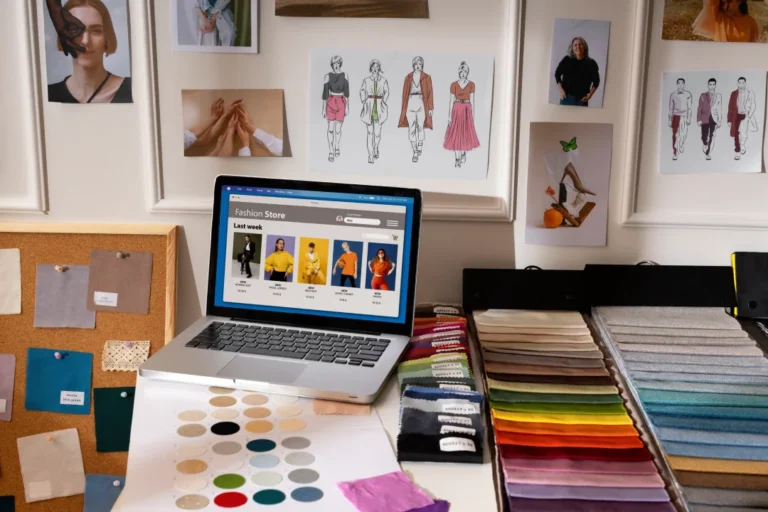
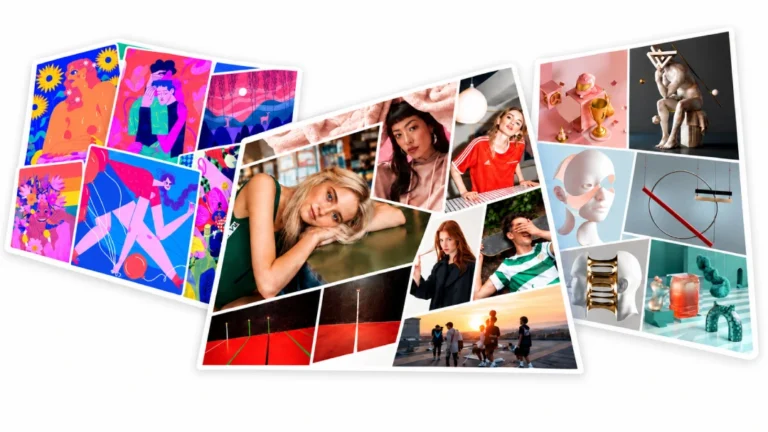
As a visual artist, your portfolio is your global gallery, your primary sales vehicle, and your digital footprint. Whether you specialize in fine art, digital illustration, 3D CGI, or photography, presenting your work at its full resolution without compromising load speed is critical.
However, many traditional website tools force artists to act like software developers, wasting precious studio hours wrestling with broken code, rigid templates, and compressed, blurry uploads. If you want a platform built specifically around the creative workflow, finding the right best website builder for artists is the single most important step in professionalizing your practice.
Why do visual artists need specialized portfolio website builders?
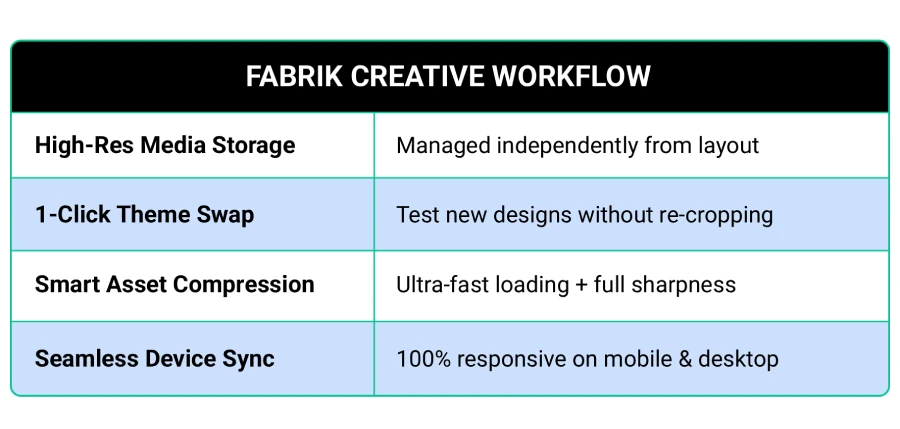
Visual art demands a fundamentally different presentation strategy than standard business websites. Generic site tools treat images as simple decorative elements, often compressing high-resolution files into dull, artifact-laden JPEGs or forcing you to manually re-crop artwork whenever you want to test a new page layout.
Dedicated platforms designed for visual creators solve these exact pain points through specialized architecture:
- Separation of Content and Layout (Zero-Lock Templates): Your high-resolution artwork, captions, and project metadata are stored independently from your site’s design layer. You can instantly test new layouts without ever having to rebuild pages, re-upload files, or break image aspect ratios.
- Intelligent Media Preservation: High-resolution digital art, 3D renders, and heavy image files are automatically optimized for ultra-fast loading without losing color richness or fine line clarity across devices.
- Mobile-Native Responsiveness: Over 60% of gallery owners, creative directors, and collectors view portfolios on smartphones. Specialized builders dynamically adapt full-screen imagery to mobile screens while preserving original framing.
- Zero-Code Simplicity: Creatives shouldn’t need technical skills to publish new work. Specialized platforms let you drag, drop, curate, and launch a complete site within minutes.
Learn more: Portfolio themes for artists
What are the 5 best website builders qualities for artists in 2027?
When evaluating the best website builder for art portfolio creation, you need a solution that balances total creative control with frictionless management. Here is how Fabrik delivers an unmatched experience across five distinct portfolio disciplines:
1. Fabrik for Fine Artists & Painters
Painters and sculptors need breathing room, true-to-life colors, and distraction-free layouts. With Fabrik, you can curate your online space just like a physical gallery exhibition. Lead with your flagship pieces, organize work by series or medium, and share behind-the-scenes studio updates using built-in blogging tools.
2. Fabrik for Digital Illustrators & Graphic Designers
Digital artwork relies on clean grid alignment and sharp previews. Fabrik’s visual layouts make it simple to organize editorial commissions, concept sketches, and commercial work. If you ever want to rebrand or refresh your look, switch themes in a single click without messing up your image grids.
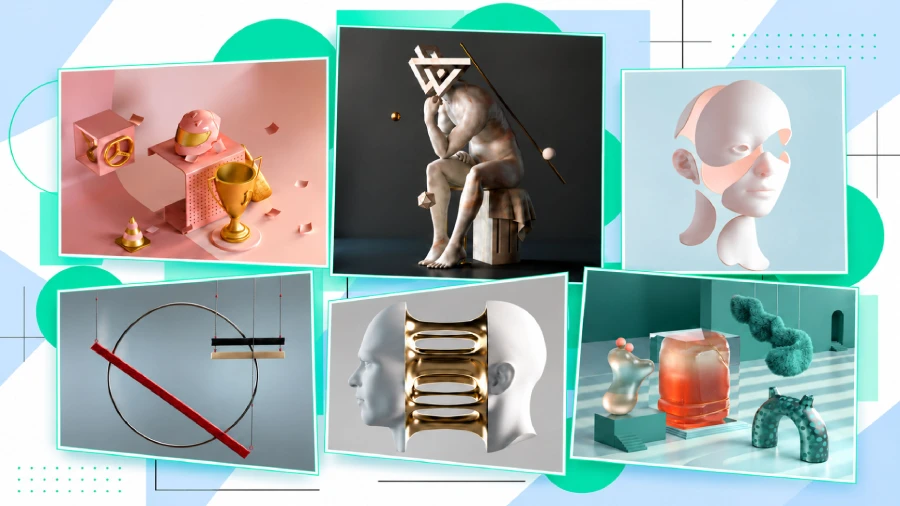
3. Fabrik for 3D, CGI & VFX Artists
Heavy 3D renders, motion graphics, and video loops usually kill page load speeds. Fabrik connects directly with Vimeo and YouTube so you can embed smooth reel playback and full-res renders into dark-mode layouts built specifically for motion art.
4. Fabrik for Photographers & Visual Storytellers
Photography comes in all shapes: portraits, wide landscapes, and custom aspect ratios. Fabrik’s layouts adjust automatically to fit your image dimensions, displaying every shot naturally without weird cropping or awkward gaps.
5. Fabrik for Multi-Disciplinary Creators & Studios
If you work across different fields, like combining art direction with 3D and fine art, Fabrik keeps complex projects organized. Group work into clear sub-galleries, tag items across multiple categories, and keep all your output under one clean domain.
How to choose the right portfolio builder for your art style
Whether you make digital art or work in traditional media, five things matter most when you pick a portfolio site:
- Freedom to switch looks. Don’t get stuck in one template. Pick a platform where you can change your theme without re-uploading all your artwork.
- Speed. A fast site ranks better on Google, and if it’s slow, clients won’t wait; they’ll skip.
- Easy customizing, no code. You should be able to change fonts, colors, spacing, and gallery styles with simple controls, so the site looks like you without any coding.
- Your own domain. A professional artist should have their own web address. It makes you look more credible.
- Clear pricing. Skip platforms with hidden fees or confusing plans. Fabrik’s pricing and features keep it simple: full-quality media hosting, SSL security, and a setup that works right away.
Learn more: Fabrik media storage and pricing plans
Real artists using Fabrik
Thousands of visual creators, agency leaders, and independent artists use Fabrik to show their work. Here are a few:
Ariel Palanzone is an Art Director and 3D Designer. He uses Fabrik’s Spotlight layout to show realistic 3D animations and campaign renders made for global brands. Explore Ariel Palanzone’s Fabrik Portfolio.
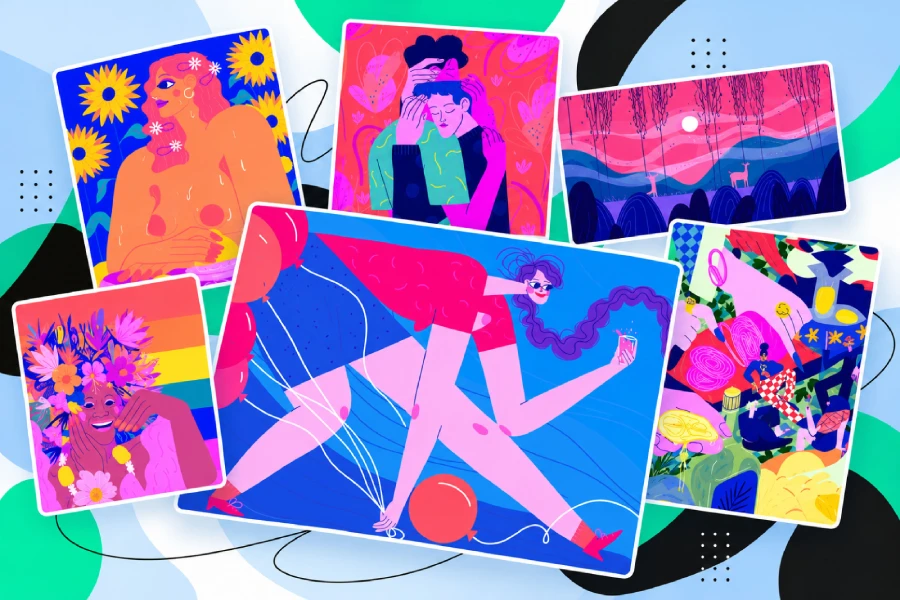
Esther Lalanne is a London-based illustrator and designer. She uses an even thumbnail grid to show her colorful editorial illustrations and motion design. Check out Esther Lalanne’s Fabrik Portfolio.
Elliott Wilcox is an award-winning photographer. His clean, simple layout keeps all the attention on his candid portraits. View Elliott Wilcox’s Fabrik Portfolio.

Want more ideas? Browse real artist portfolio examples across digital design, fine art, and mixed media on Fabrik.io.
Conclusion: Stop Coding, Start Creating
Your art should be the first thing people notice on your site. You shouldn’t lose studio time fixing broken code or fiddling with image compression.
Fabrik gives you a responsive site that’s ready for your work from day one. You can swap themes whenever you like without losing anything, and your pages load fast.