

Showing your work online shouldn’t feel more painful than making it. You don’t need a computer science degree or weeks of site building to stand out to art directors. Learning how to create online portfolio layouts that actually get you hired comes down to clean structure and zero technical lag. Whether you’re an artist, stylist, or exploring the best free online photography portfolio sites, here is how to build a professional showcase step by step.
What Is an Online Portfolio?
An online portfolio is a curated digital space that showcases your best creative work, professional story, and contact details. Unlike passive social media feeds where algorithms control who sees your work, a dedicated portfolio website gives you complete control over your visual narrative.
It functions as your primary commercial storefront. Whether built on specialized platforms or free online portfolio sites, a great portfolio presents your process, highlights your technical skills, and directs clients toward taking action.
Why Do You Need an Online Portfolio?
Relying solely on social media platforms like Instagram or Behance can be risky, it means placing your career in the hands of third-party algorithms. A dedicated online portfolio provides clear information about you, your projects, and other critical advantages:
- Commercial Credibility: Potential clients and creative directors expect a polished web address before offering high-tier contracts.
- Direct Client Contact: You eliminate distractions and competitors, guiding visitors straight to a hire form. This improves your chances of getting hired.
- Complete Creative Control: You dictate typography, image presentation, and mobile responsiveness without platform branding cluttering your work.
What Should an Online Portfolio Include?
To build an asset that turns visitors into paying clients, keep your structure simple and focused. Every high-converting site includes:
- A Curated Project Gallery: Add 6 to 8 deeply documented case studies rather than a massive photo dump.
- An Engaging About Section: A human introduction detailing your role, discipline, and background.
- Clear Contact Pathways: Direct links, contact forms, or email buttons visible above the fold.
- Client Social Proof: Testimonials, brand logos, or featured press that validate your work.
How to Create an Online Portfolio from Scratch
1. Define Your Portfolio’s Purpose
Before uploading anything, figure out what you want this site to actually do for you. Are you applying for full-time agency roles, hunting freelance clients, or selling prints directly? Your main goal shapes how you present your work. If you want high-budget commercial clients, show finished projects that solved real problems, not rough personal sketches or unedited drafts.
2. Choose the Right Portfolio Platform
The platform you choose determines whether you spend your weekend fighting with web layouts or actually showcasing your work. Testing generic free online portfolio sites often leads to hours of tedious grid tweaking on tools that weren’t built for creative media.
Dedicated builders like Fabrik use a “load and layout” workflow that takes care of image scaling, video compression, and mobile responsiveness automatically. You can start to create a free portfolio website trial and have a live, working site in minutes.
3. Select Your Best Work
The most common mistake is dumping every project you’ve ever done onto one page. Curation shows taste and confidence. Pick up 6 to 8 projects that represent the exact work you want to land next. Want to direct commercial films? Leave out your early college graphic design assignments.
4. Organize Your Projects
Give viewers context instead of just throwing raw images at them. Frame your top work as simple case studies that answer four quick questions:
- The Brief: What problem were you hired to solve?
- Your Role: What did you actually do on the project?
- The Process: How did you go from early idea to final asset?
- The Result: What was the final client outcome?
5. Write an Effective About Me Section
Your About page is usually the second thing people click. Talk like a normal human being: state where you’re based, what you specialize in, who you’ve worked with, and what kind of projects you take on. Skip the corporate buzzwords; creative leads hire people they actually want to talk to.
6. Add Your Contact Information
Never force a prospective client to hunt for your contact information. Most portfolio views happen on handheld screens, so make your contact details accessible in 1 or 2 taps. Place a clear “Contact Me” button in your primary navigation and at the bottom of every case study.
7. Choose a Professional Portfolio Design
Your layout should support your work, not fight with it. Clean typography, generous white space, and dark or neutral backgrounds let your visual media pop. Avoid heavy animations or flash setups that slow down page loads.
8. Optimize Your Portfolio for Mobile Devices
If your layout or video playback breaks on a mobile phone, visitors will leave instantly. Ensure your media scales automatically, and body fonts stay readable on small screens.
9. Add Relevant Keywords and SEO Elements
To help clients find you via search engines, optimize your metadata. Use location-based keywords (e.g., “Commercial Photographer in London”) in your image alt text, page titles, and headings. If you are building the best free online photography portfolio sites, ensure the platform generates clean, search-friendly URLs automatically exactly how Fabrik does.
10. Review and Publish Your Portfolio
Test your live site across multiple browsers and mobile devices before sharing it with the world. Check that every link works; images load quickly, and your contact form sends test messages directly to your inbox. Once verified, hit publish and start linking your new portfolio across your professional networks.
Real Portfolio Inspiration
Looking to see how top industry professionals structure their work? Explore how leading creators use Fabrik to build high-converting assets:
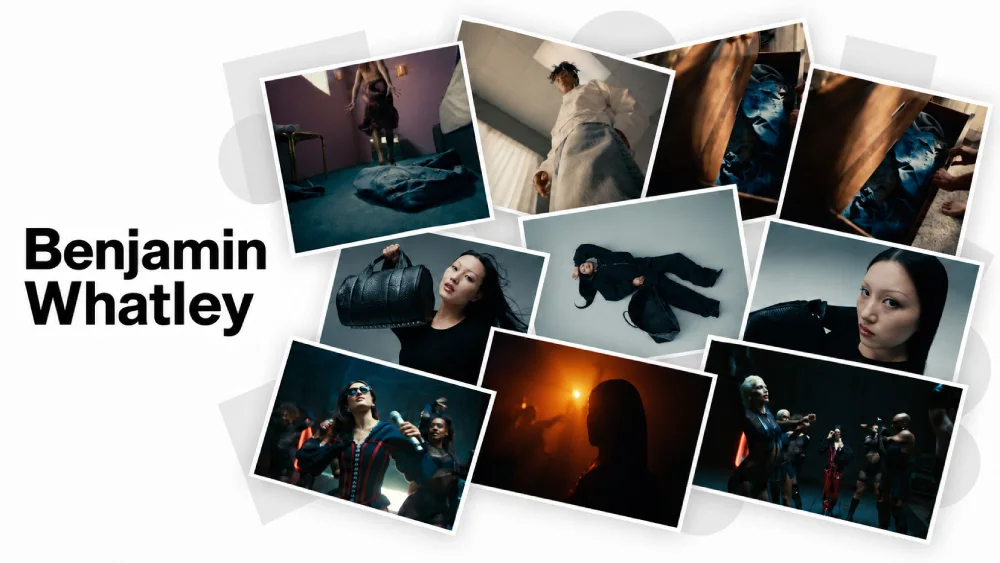
1. Benjamin Whatley: Director & Filmmaker using immersive video layouts. His portfolio proves how high-bitrate video streams smoothly without lag on mobile screens.
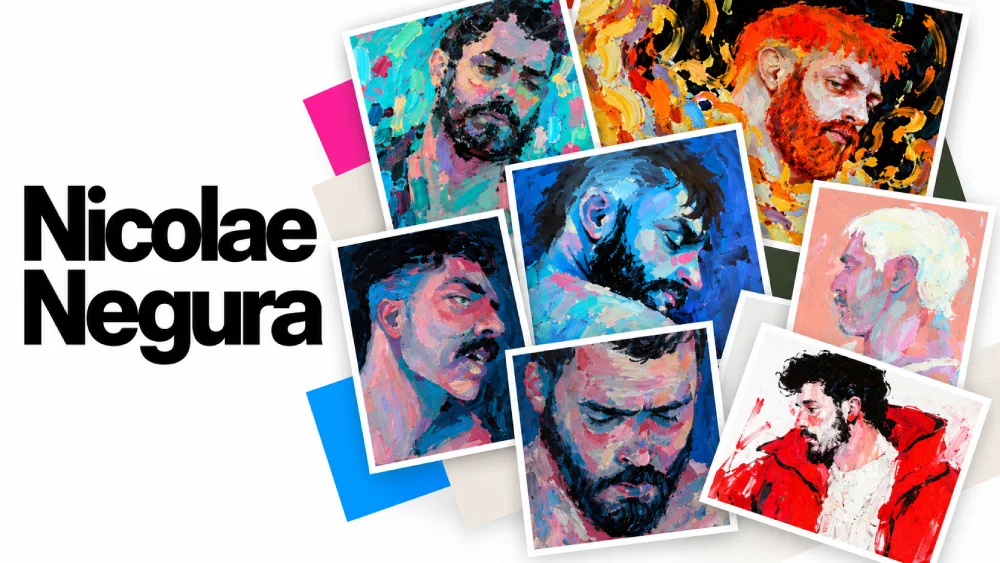
2. Nicolae Negura: Illustrator showcasing vibrant project galleries. He balances bold visual storytelling with clean grid structures that let intricate artwork shine.
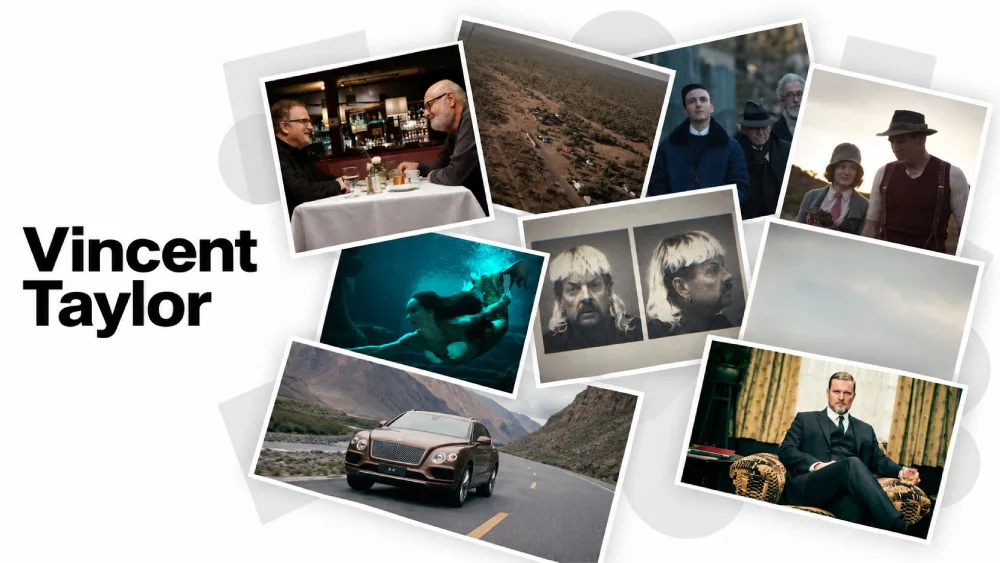
3. Vincent Taylor: Feature Film Colorist using clean, high-impact imagery. His layout highlights color accuracy and fine detail without surrounding site clutter.
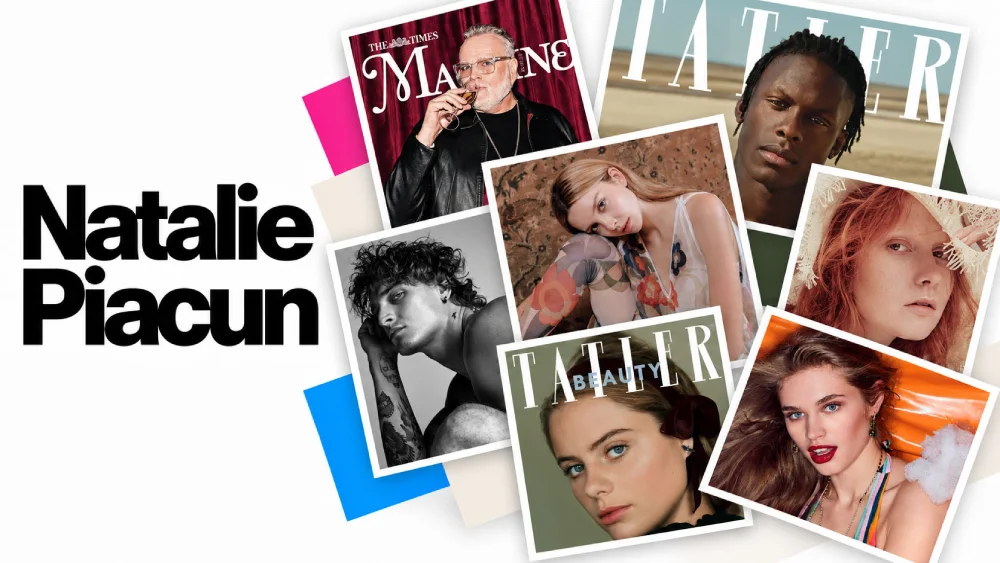
4. Natalie Piacun: Fashion & Commercial Stylist featuring sleek, editorial grids. She organizes high-end editorial campaigns into effortless, magazine-style project feeds.
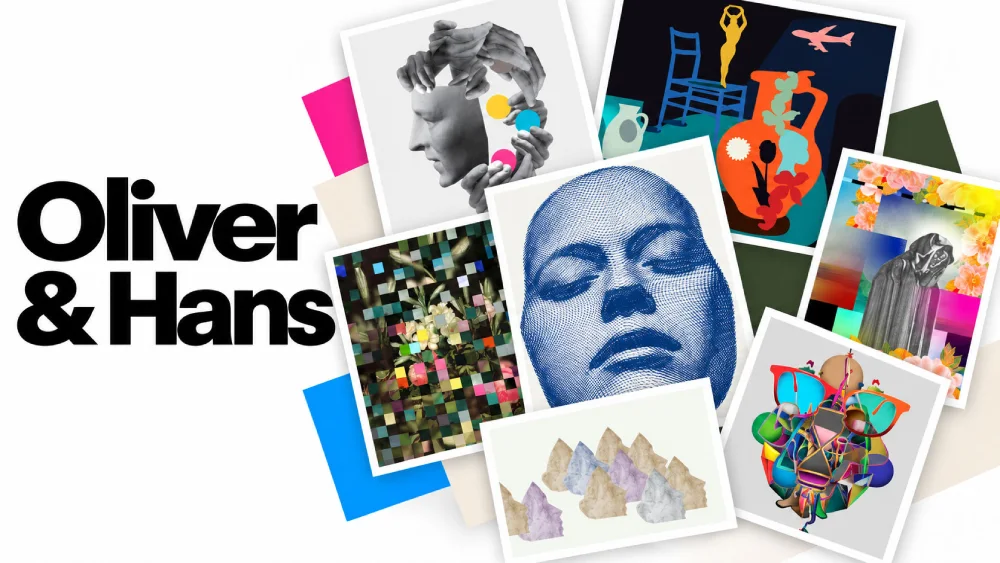
5. Oliver & Hans: Creative duo delivering minimalist visual storytelling. Their site demonstrates how stripped-back layouts and generous white space elevate collaborative work.
Conclusion
Your work already does the hard part. Your portfolio just needs to stay out of its way. Pick your best 6 to 8 projects, keep the layout clean, and make your contact details easy to find. With Fabrik, you can create an online portfolio from scratch without code, lag, or complicated site builders.