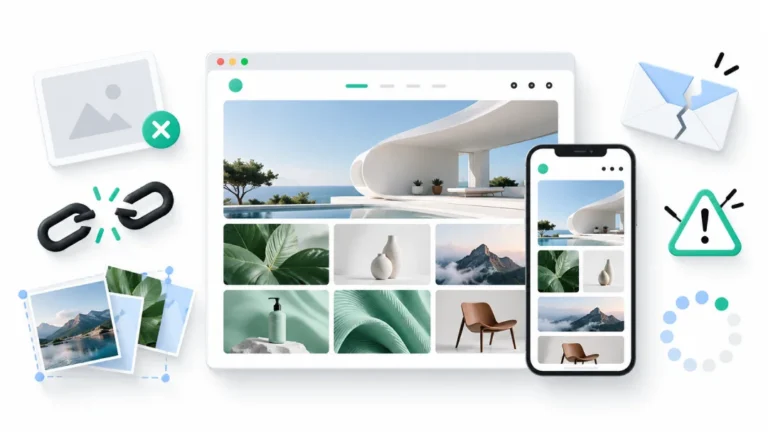

Building a portfolio website sounds like one of those tasks you’ll get around to when you have a free afternoon. First, you need to find a website builder. Then comes the design, the layout, the image galleries, and a dozen little decisions you didn’t know you’d have to make. Before you know it, your afternoon is gone, and your work is still sitting on your laptop.
For photographers, filmmakers, graphic designers, illustrators, and other creatives, having a portfolio website makes it easier to bring their best work together and share it with potential clients. The good news is that getting one online doesn’t have to involve coding, complicated design tools, or hours of setup. A quick portfolio maker can take care of much of the technical work, leaving you free to focus on presenting your projects.
With a little preparation and the right approach, you can build a portfolio website in under 10 minutes. This guide covers what to prepare, how to choose the right tools, and how to get your work online without turning the process into another full-time project.
What Do You Need Before Building a Portfolio Website?
You’ve finally decided to build your portfolio. You open your laptop, only to realize that your best photographs are in one folder, the final edits are in another, and that one brilliant project you wanted to showcase is buried somewhere in a drive you haven’t opened in months. And just when you think you’ve got everything together, you still have to figure out the website layout. So much for your ten-minute plan.
A little prep can save you from turning a quick task into a weekend project. Before opening a portfolio maker, get these things sorted:
- Your work: First things first, decide what you want people to see. If you’re a photographer, pick your best shots. If you’re a filmmaker, get your showreel ready. Designers, go through your projects and shortlist the ones you’re happiest with. Don’t feel like you have to include everything. A few good projects that show what you can do are a solid place to start.
- A little about yourself: You don’t need to write a whole life story. Just tell people who you are, what you do, and the kind of work you’re interested in. Keep it short and make it sound like you.
- Project details: Keep the names of your projects, a little background on each one, and any credits you need to mention in one place. If you worked with a team or a client, make sure you have the details right before you publish.
- How people can reach you: Add an email address or whichever contact details you’re comfortable sharing professionally. Make sure they’re up to date, so anyone interested in working with you knows where to find you.
- An idea of what you want your site to look like: You don’t need to have the whole thing figured out. Maybe you want your photographs to take center stage, or you need a good spot for your showreel. Have a rough idea of what works for your kind of work, then let your portfolio maker help you figure out the rest. You can always change things as you go.
How to Build a Portfolio Website in Under 10 Minutes
Now that you’ve got your projects and basic details sorted, let’s get that portfolio out of your laptop and onto the internet. You don’t need to build a website from scratch or spend hours figuring out the technical bits. Just take it one step at a time.
Step 1: Choose a Portfolio Maker That Fits Your Work
First things first, pick a website builder that suits the kind of work you do. A photographer showcasing a collection of images has different needs from a filmmaker with video reels or a designer with detailed project case studies. Your portfolio maker should make it easy to present your work, not give you another design project to manage.
Look for ready-made themes, simple customization options, and layouts that work well with your creative projects. It also helps to see how other creatives present their work before settling on a style.
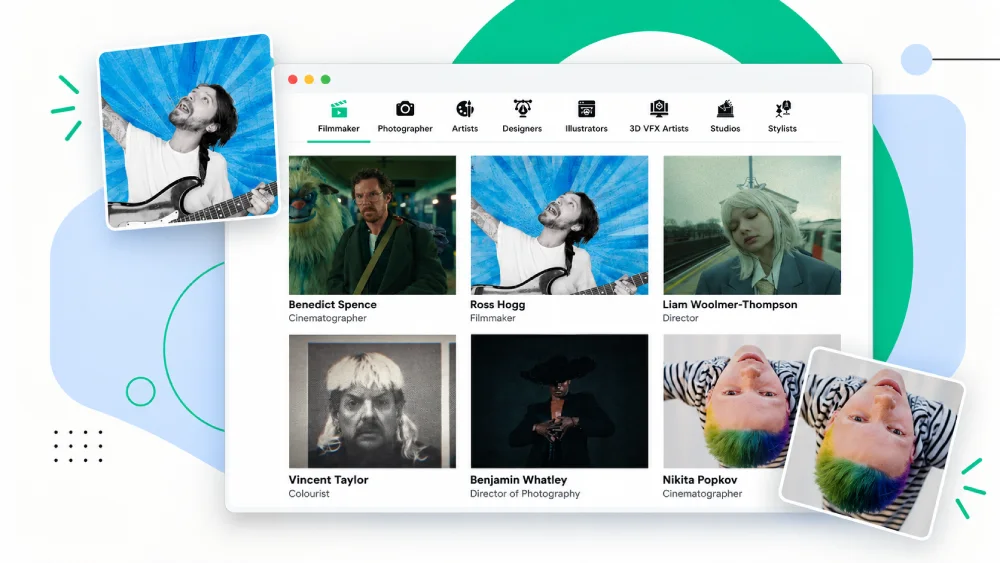
Explore Fabrik’s Featured Portfolios , which showcases portfolios from creatives across different disciplines, giving you ideas for presenting your own projects.
A quick portfolio maker can save you the trouble of building every page from scratch, which is a pretty good start when you’re short on time.
Step 2: Pick a Theme and Add Your Projects
Now comes the fun part: choosing how your work will look. Most portfolio builders offer ready-made themes, so you can start with a design you like instead of staring at a blank page. Fabrik, for instance, offers themes such as Tocuyo, Voile, and Airdura, each with its own approach to presenting creative work.
Once you’ve picked a theme, start adding your projects. Choose the work you want people to see first, whether that’s a collection of photographs, design projects, illustrations, or video reels. If your work lives on Vimeo or YouTube, you can embed your videos directly into your portfolio instead of relying on static thumbnails to tell the whole story.
The idea is to present your work in the format that does it justice. A filmmaker’s showreel needs room to play, just as a photographer’s images deserve a layout that lets them stand out.

Step 3: Customize the Layout to Suit Your Work
The way your projects are arranged can change how people experience your portfolio. A grid of thumbnails lets visitors browse several projects at a glance, while a full-screen slideshow gives each piece more room to shine. Pick a layout that complements your work and makes it easy for people to explore.
With Fabrik, you can adjust a few settings to get the presentation right:
- Thumbnail aspect ratio: Control the shape of your project previews to create a consistent gallery.
- Columns for different devices: Choose how many thumbnails appear on mobile, tablet, and desktop screens.
- Gallery style: Switch between a thumbnail grid and a full-screen slideshow, depending on how you want visitors to browse your work.
Before moving on, preview your online portfolio on different screen sizes. A layout that looks great on your laptop should feel just as easy to browse on a phone. A few small adjustments can make all the difference.
Step 4: Preview and Publish Your Website
Before you hit publish, take your portfolio for a quick test drive. Open a few projects, play your video reels, click through the navigation, and check that your contact details work. If a client clicks on your showreel and gets an error instead, that’s hardly the first impression you want to make.
Pay attention to how your work looks on a phone, too. Images can crop differently on smaller screens, and a gallery that looks balanced on a laptop might feel cramped on mobile. Check the thumbnail layouts, make sure the important details are easy to find, and fix anything that looks out of place.
Once you’re happy with the result, publish your online portfolio and open the live link yourself. This final check helps you catch anything that slipped through while editing. You can always add new projects or refine the design later, so get the essentials right and put your work out there.
Also, read: Create Online Portfolio
Tips to Make Your Online Portfolio Stand Out
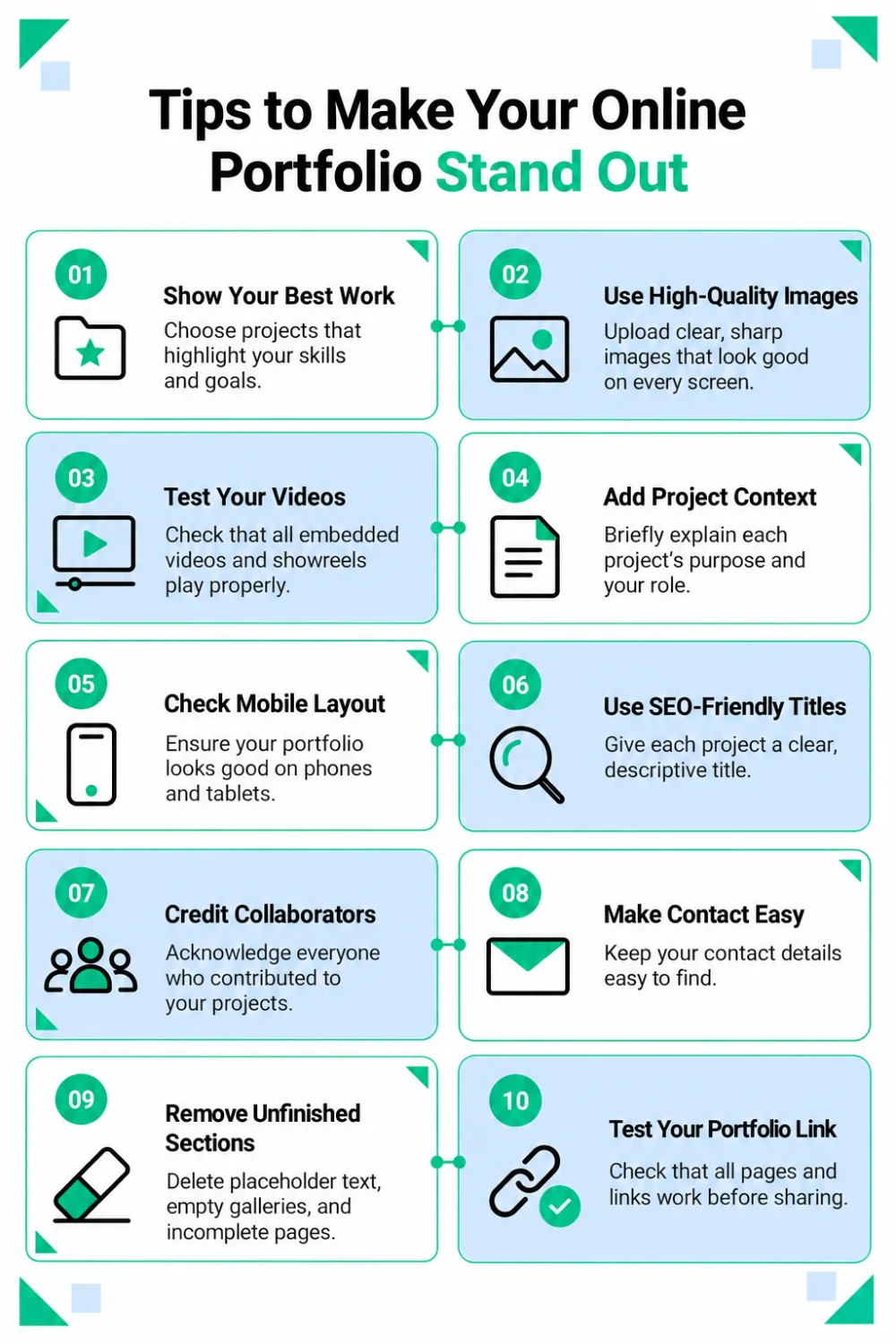
Before making your portfolio live, take a few minutes to check the little things that are easy to miss when you’re busy getting everything ready. From image quality to project descriptions, these final checks can make your work easier to explore and help your portfolio look more professional.
Here are ten things worth checking before you hit publish.